Put a retro screen over your whole Mac.
Veneer floats a transparent layer over your entire display and gives it a vintage screen look. Green or amber CRT with scanlines, a color wash, or aged old-movie grain. It tints and textures everything you see, while your apps keep working exactly as they are.
Just because you deserve a bit of nostalgia.
From Sweet Lemon, made because the Mac should be allowed to look like something. Just because, why not. Nothing to sell here, nothing phoning home.
See it live
Pick a theme and a variation. Same desktop, the Veneer layer on top.
One little control panel
It lives in your menu bar. Switch themes, tune the look, all live.
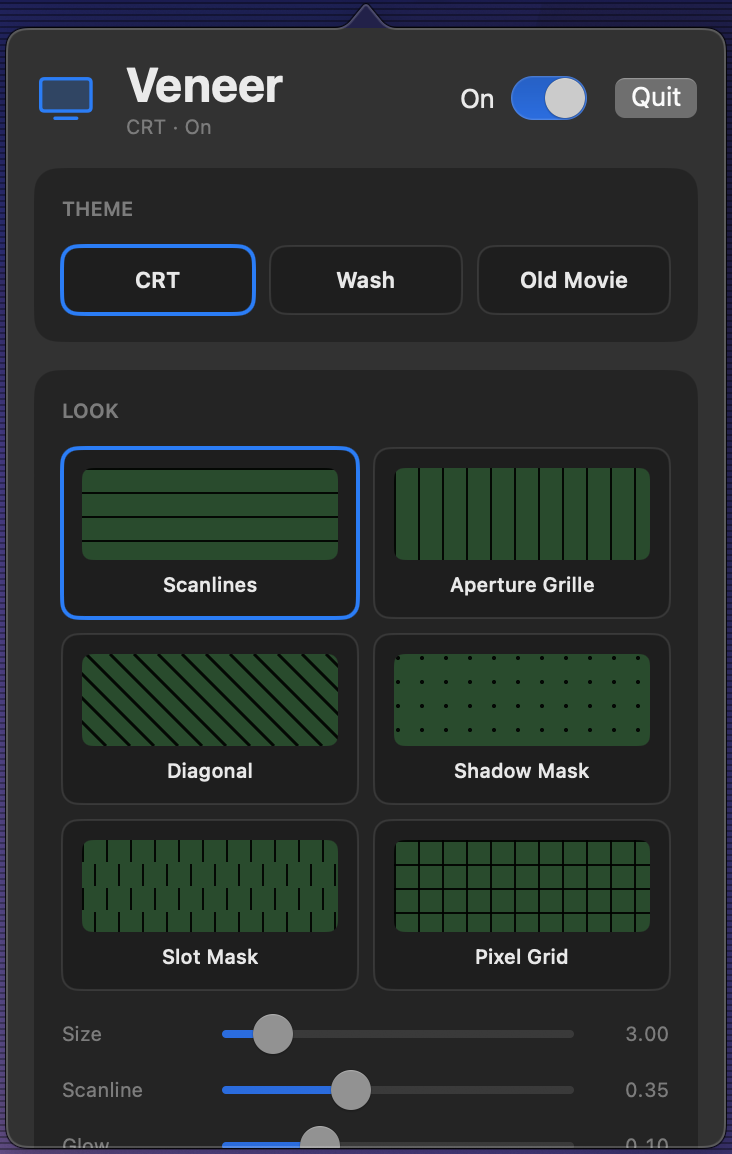
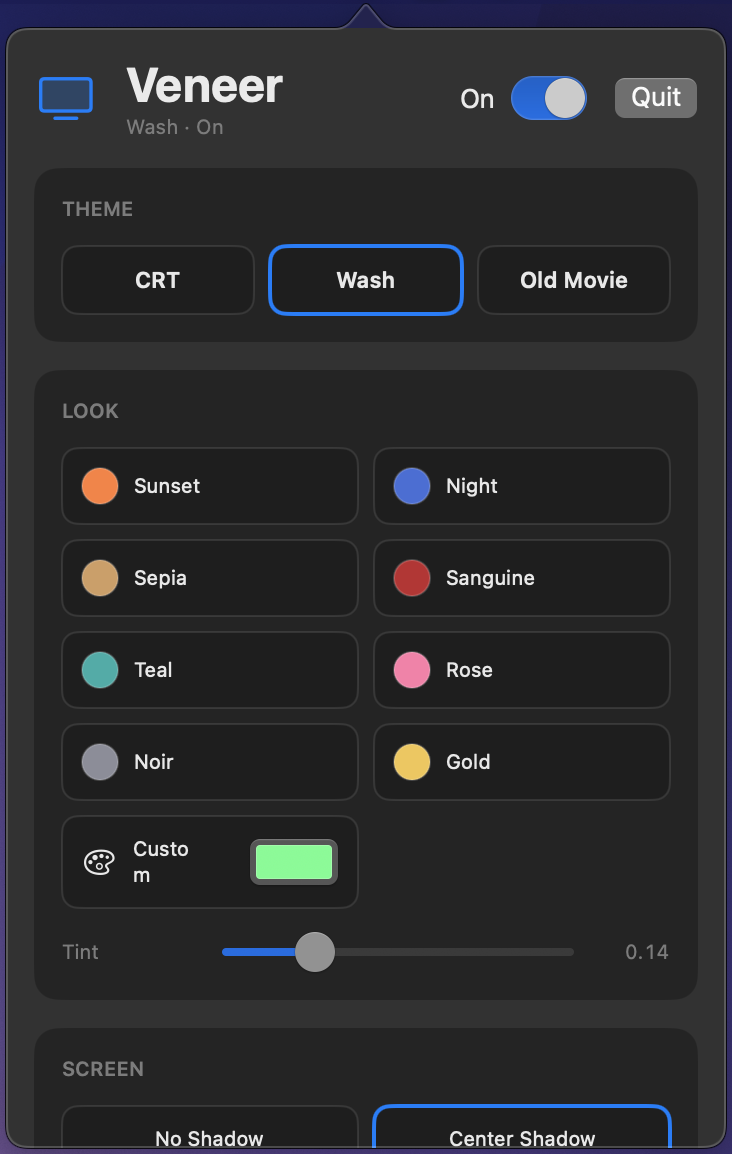
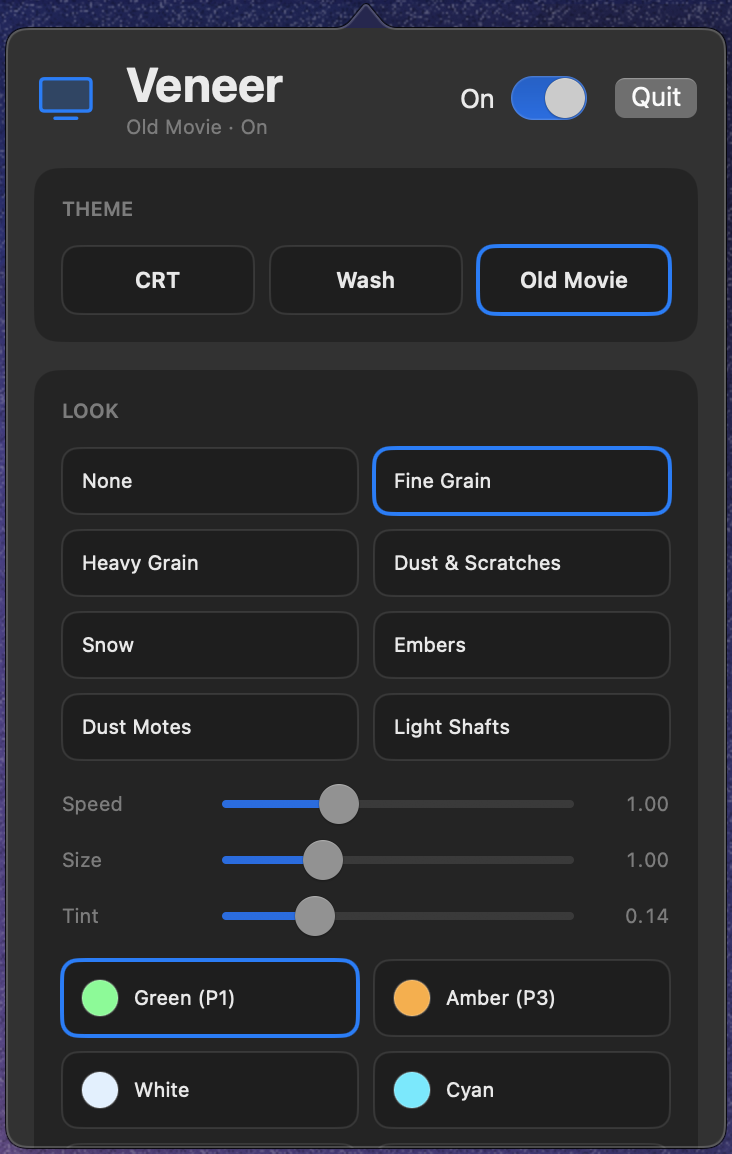
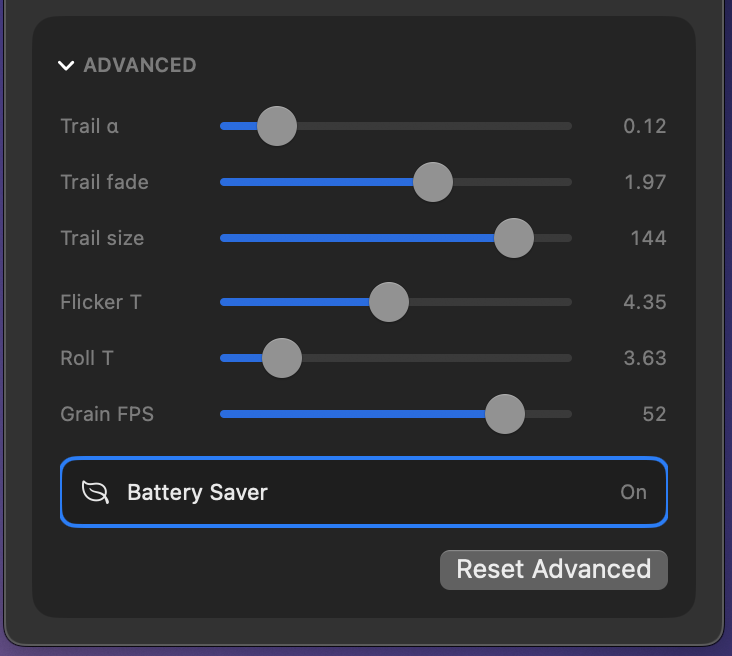
What it actually does
Draws over every display, the desktop, the menu bar, all your apps. A screen-wide vibe, not a per-app theme.
It only paints on top. It never reads or records your screen, so there is no Screen Recording prompt.
Pick a look and it is on. Turn it off and it is gone. Nothing permanent, no system files touched.
Install, pick a look, done.
Drag Veneer to Applications. It is notarized, so Gatekeeper opens it without a fuss.
Choose a theme from the menu-bar icon. The whole screen changes instantly.
Colors, patterns, grain, shadow, and a clarity lens under your cursor, all live.
Get Veneer
- → macOS 12.7 or later
- → Apple Silicon and Intel, universal
- → Notarized, so Gatekeeper stays quiet
- → No installer, no account, no telemetry